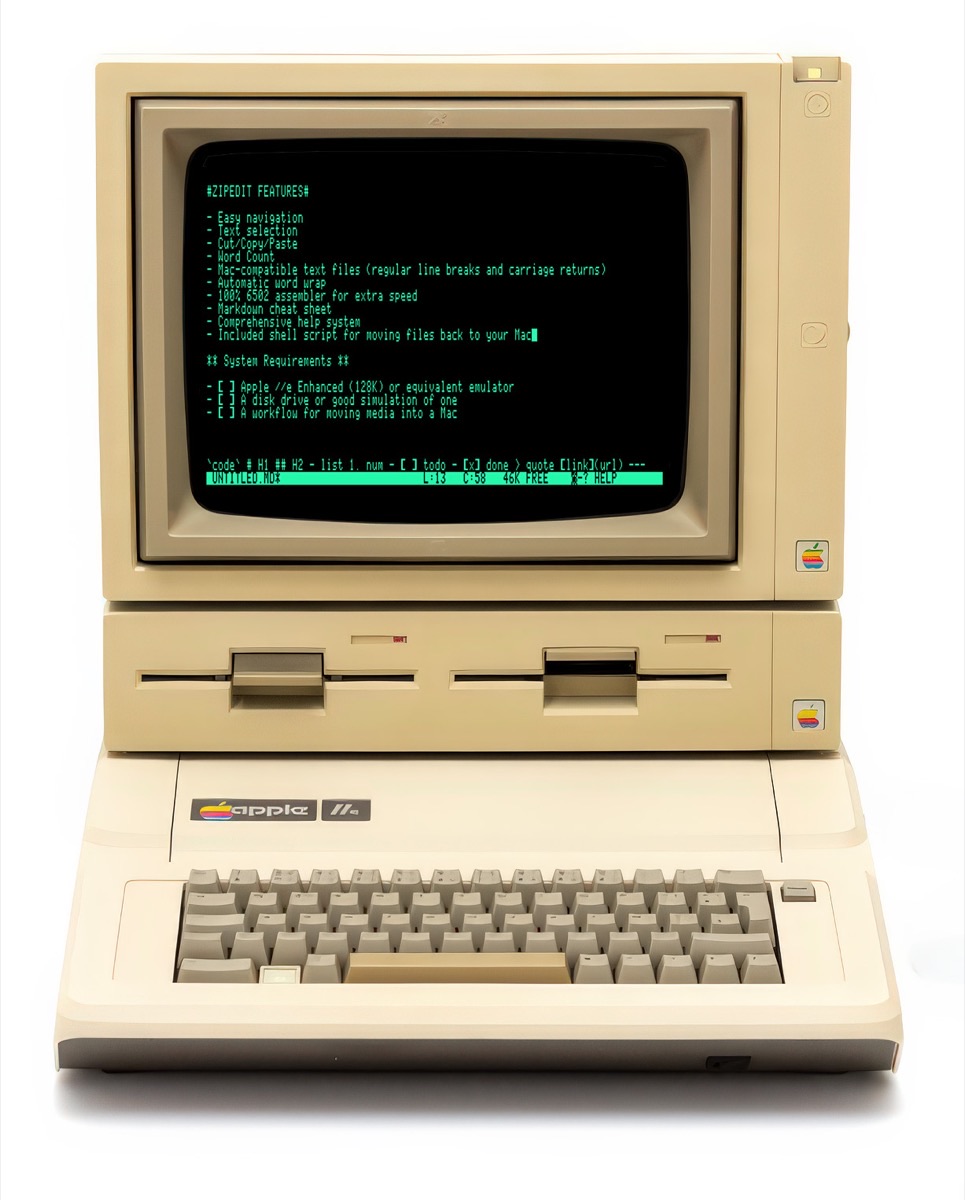
To write, or to fiddle. That is the question.
An 80-column Markdown editor for the Enhanced Apple //e — and a 40-column one for the ][+. Free, and it fits on one disk with room to spare.
The Apple //e was never short of word processors. Every one of them wanted to make printed pages — margins, rulers, printer drivers, a dozen keystrokes standing between you and the next sentence.
ZipEdit doesn't want make a printed page. It wants to make a draft.
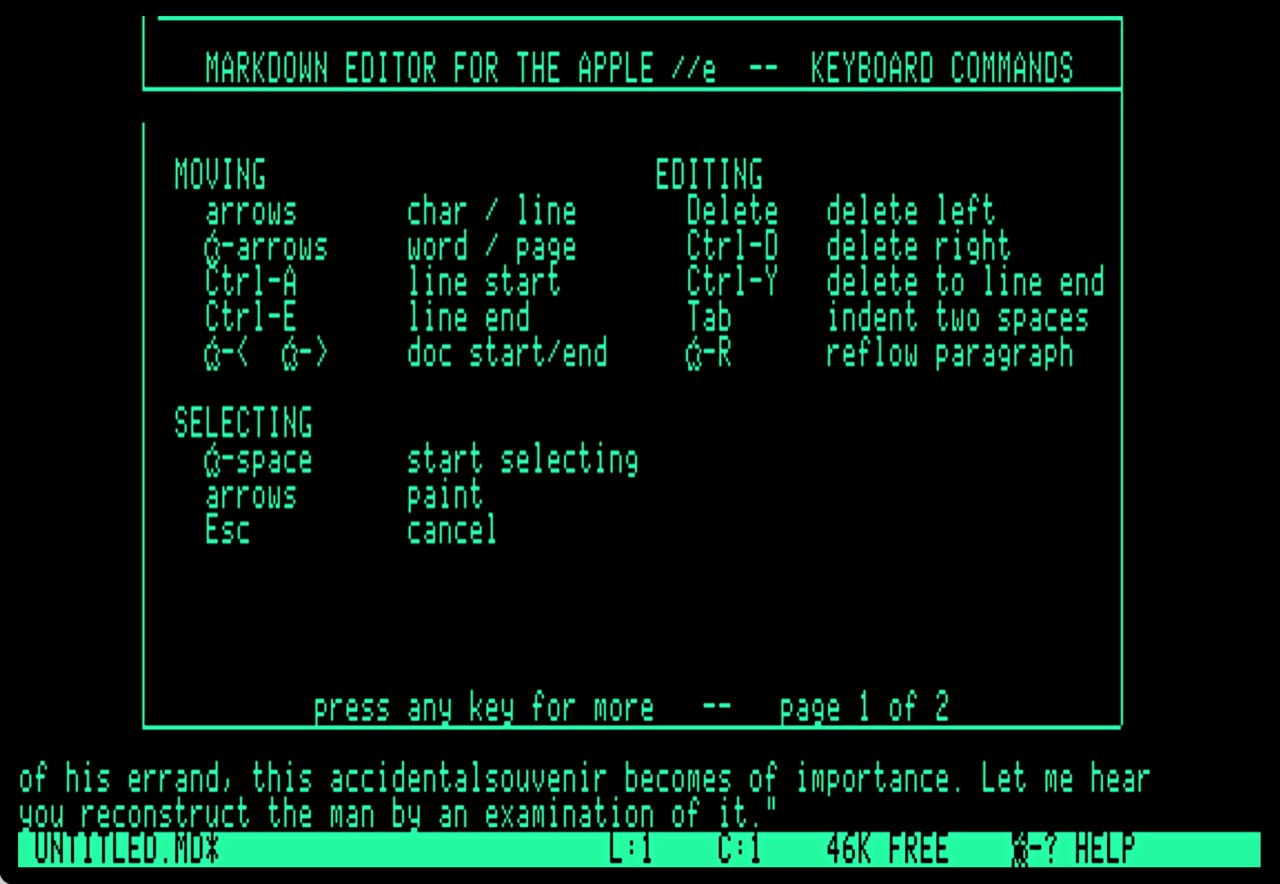
Eighty columns of green text. A cursor. A status line that tells you where you are and how much room is left. That's the whole interface, and there is nothing else to learn.
It's a strange thing to admit about a piece of software, but the best feature of this editor is everything it doesn't do. Nothing's auto. Nothing updates. Nothing suggests a better word than the one you chose.
Underneath is 10,650 bytes of optimized 6502 assembly. No interpreter, no runtime, nothing at all between the key you press and the character on screen.
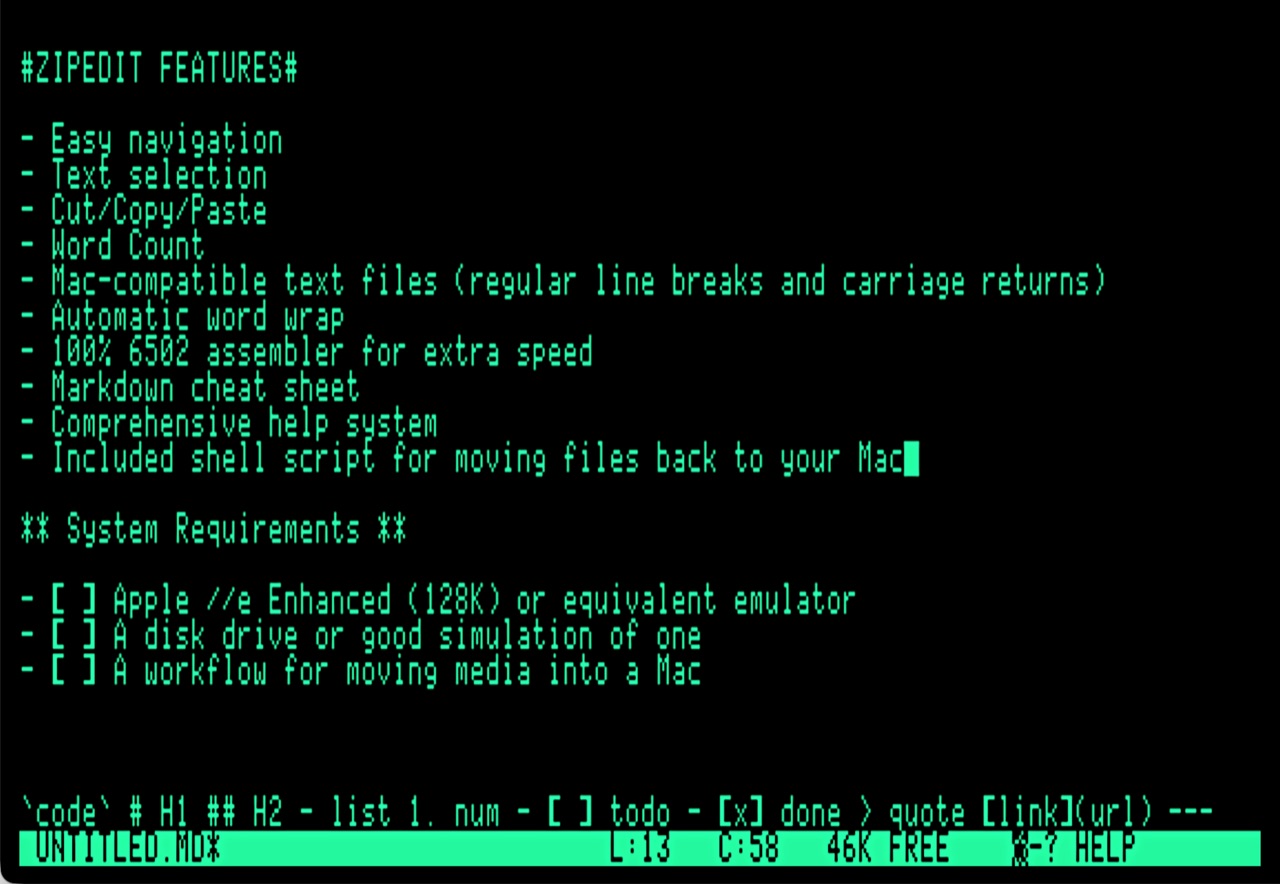
Your text lives in the //e's auxiliary memory in a gap buffer, which is why it costs nothing to be typing in the middle of a long document rather than at the end of a short one. You've got 46K free: about seven thousand words, or one good chapter. On a ][+ it is three thousand, in main memory, because that machine has no auxiliary bank to put them in.
ZipEdit wraps words as you type, reflows the paragraph under you as it goes, and does the whole of it again when you ask. It reads the keyboard while it works, so a fast run at a long paragraph arrives complete even when the screen takes a moment to catch up.
It will even type a backtick, which your keyboard cannot. That key
arrived with the IIgs, and Markdown marks code with it, so ZipEdit puts
it on Open-Apple-' and hands you the one character the
machine was never given.
When you've finished, ZipEdit writes an ordinary text file — and only the line breaks you actually typed. The wrapping you see on screen stays on screen, where it belongs.
That matters more than it sounds. Text moved off a machine of this era usually arrives with a hard return at the end of every line. Somebody has to take them all out. ZipEdit's not like that.
Copy a file to your Mac with the included script and it opens in anything you already use — iA Writer, Ulysses, BBEdit, TextEdit — without any repair at all.
Your authorized Apple dealer will not be able to help you with any of this. There is, instead, a download button.
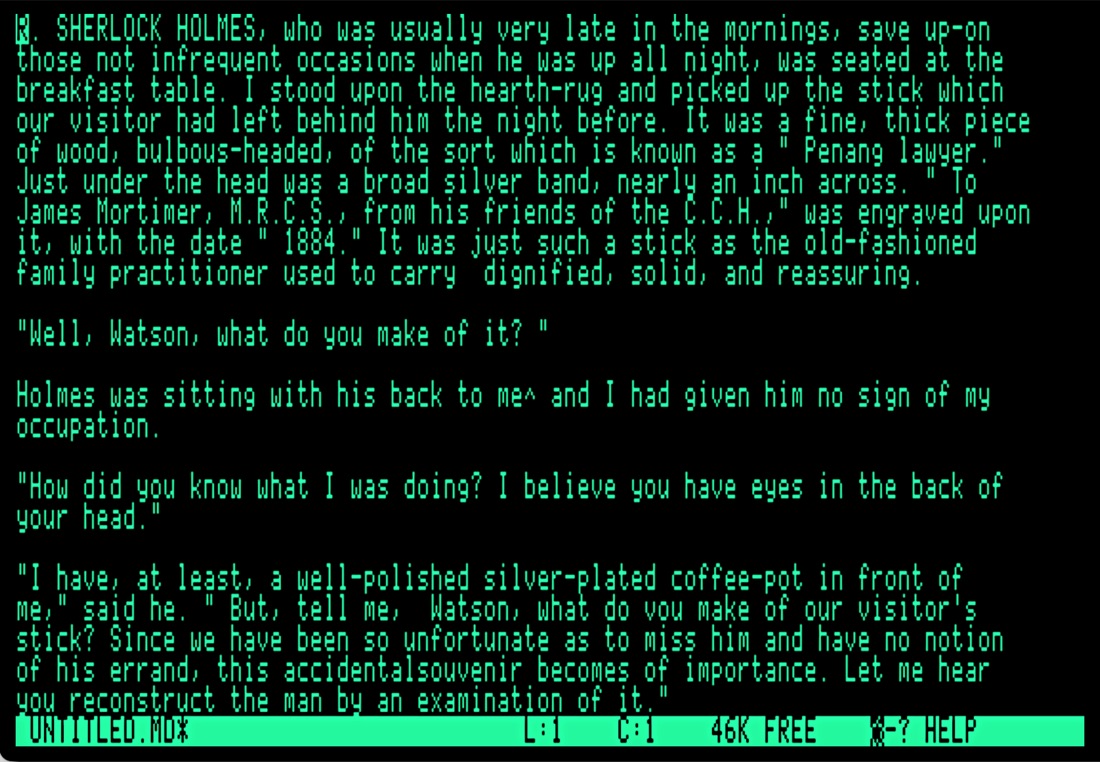
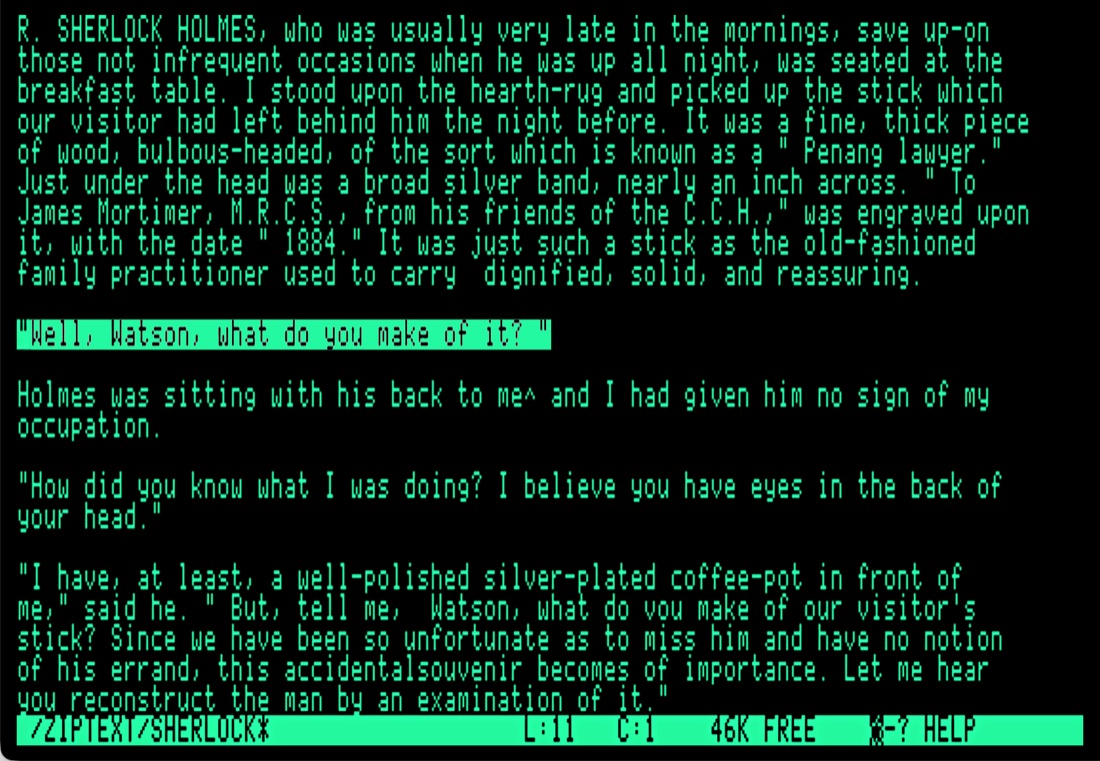
What it looks like at two in the morning.
The particulars.
- Computer
- Enhanced Apple //e, 128K
- Or
- Apple ][+ with 64K, at 40 columns
- Or
- any emulator that behaves like either
- Operating system
- ProDOS 8
- Display
- 80 columns, or 40 on a ][+
- The editor itself
- 10,650 bytes, or 9,728 on a ][+
- Room for your writing
- 46K, about 7,000 words; 3,000 on a ][+
- Disk
- one 5.25-inch, 143K, for each machine
- Price
- none
How to get it running.
Download the disk image below. It's a bootable ProDOS 8 volume named ZIPEDIT, along with the transfer script and a short manual.
In an emulator, mount ZIPEDIT.po in drive 1
and boot it. On real hardware, write it to a 5.25-inch disk or drop it on
the card your Floppy Emu or CFFA3000 reads.
Press any key at the splash screen and start typing.
Open-Apple-? shows you everything else.
When you want your writing on the Mac, run
./xfer.sh pull ZIPEDIT.po ~/Documents and open what comes
out in whatever you normally use.
Free, and always will be, under the MIT licence. If it saves
you a morning, that's payment enough.
The source — all 10,632 bytes of it — is
on GitHub.
Also from Tromping Marmots.
Track-O-Tron
iPhone · Free
The GPS track recorder that remembers where you went. Distance, time, altitude and speed, with the phone in your pocket and the screen locked. Nothing leaves the device.
Have a lookAltim-O-Tron
iPhone with a barometer
The altimeter that works where the internet doesn't. Satellite altitude and barometric pressure together, so it still knows how high you are with no cell service and no Wi-Fi.
Have a lookTimeline-O-Tron
Mac, iPhone & iPad
History deserves better than a bullet list. Build timelines worth looking at, keep them in step across your devices, and export them when they are ready to be seen.
Have a look